
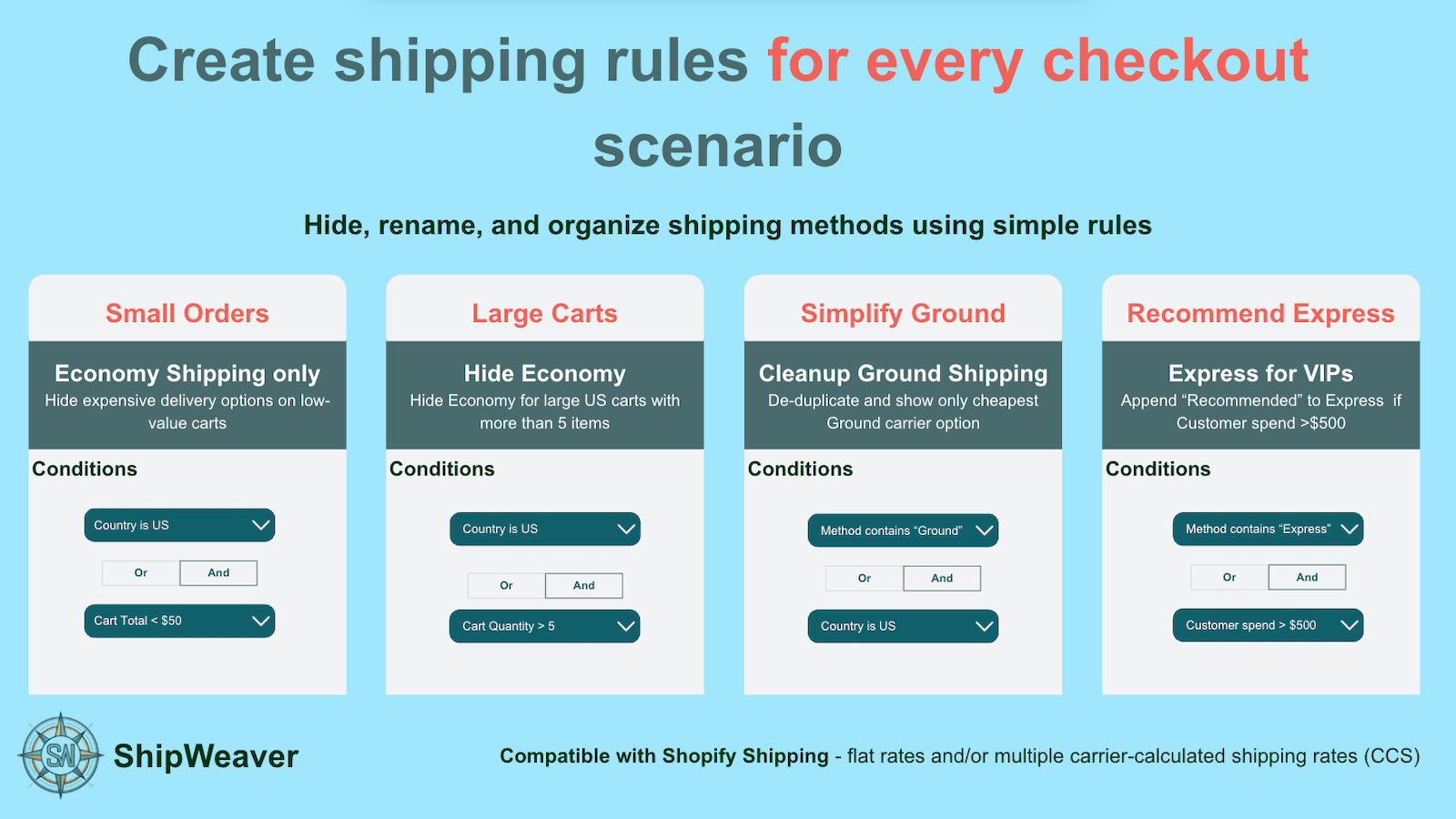
Simplify Ground: keep the cheapest Ground option when several carriers return one.
Why duplicates appear
- Several carrier apps each return Standard or Ground
- A flat rate named Standard Shipping plus a carrier Standard Ground
- Multiple shipping profiles each returning Standard
- A shipping app overlapping native Shopify rates
Clean up at the source first
In Settings > Shipping and delivery, review profiles and remove redundant manual rates. That does not help when a carrier app owns the title. Shopify does not natively let you:- Hide duplicates automatically at checkout
- Keep only the cheapest of several Standard options
- De-duplicate by keyword
Common examples
Keep the first Standard, hide the rest
Condition: Title contains Standard Action: Keep the first match, hide later duplicatesKeep the cheapest Express
Condition: Title contains Express Action: Keep the cheapest, hide the othersExact name match
Condition: Title equals Standard Delivery Action: Keep first or cheapest If names are almost the same, rename them to the exact same title so Shopify can merge them.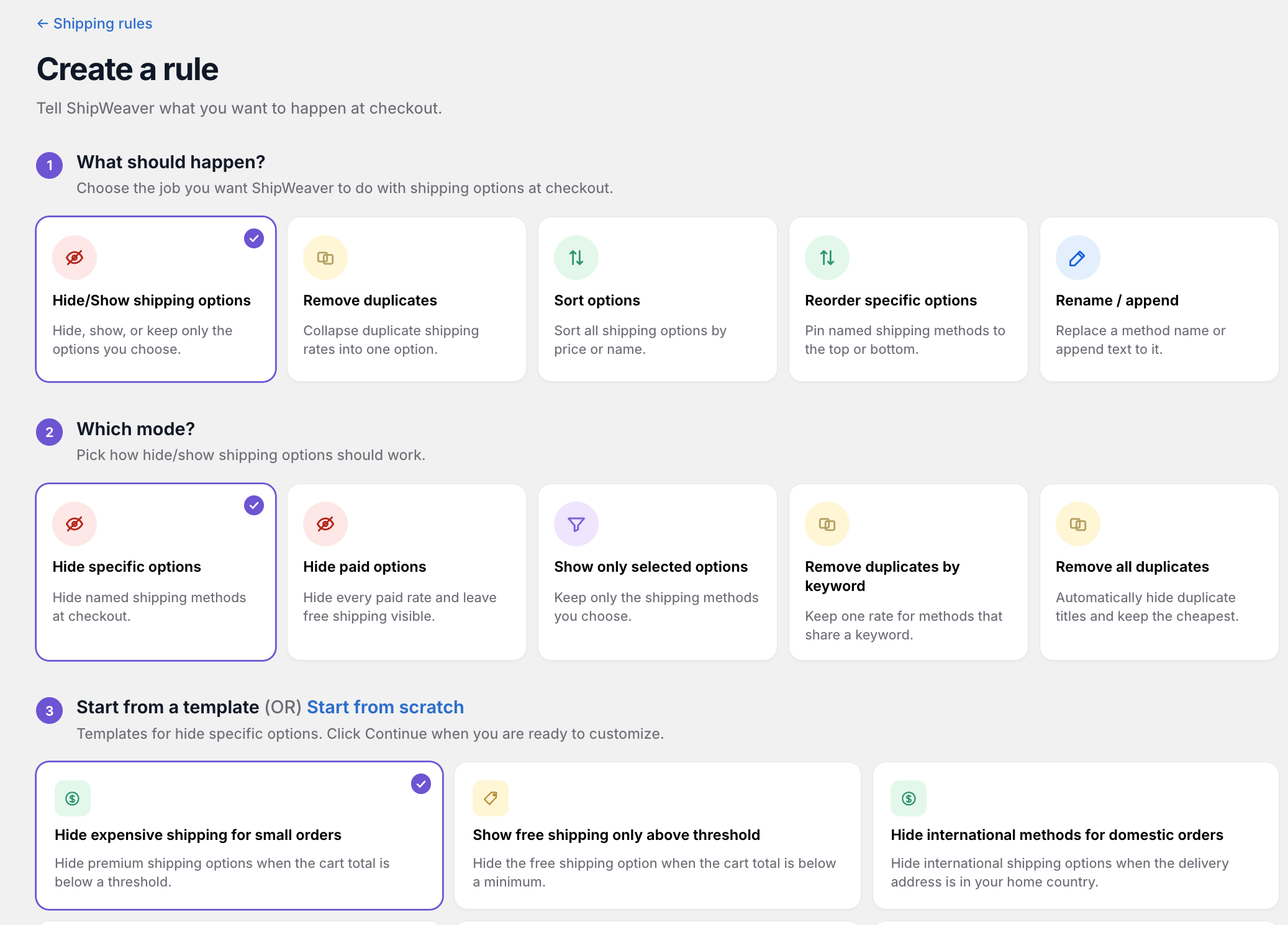
Choose Remove duplicates in the wizard, then pick keyword or automatic mode.
How de-duplication works
- Keep first, hide rest
- Keep cheapest, hide rest
- Exact name match
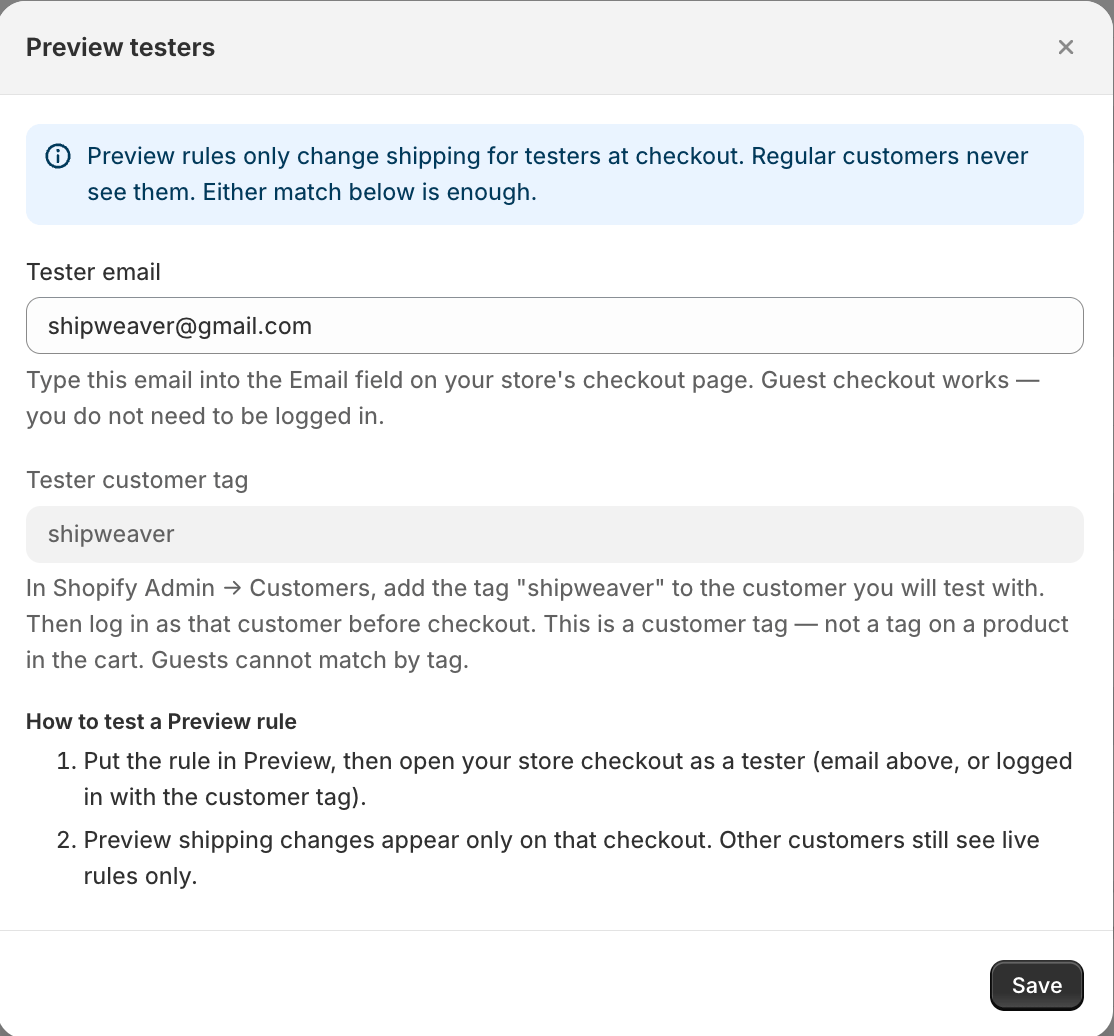
Preview the cleaned list as a tester before setting the rule Live.