
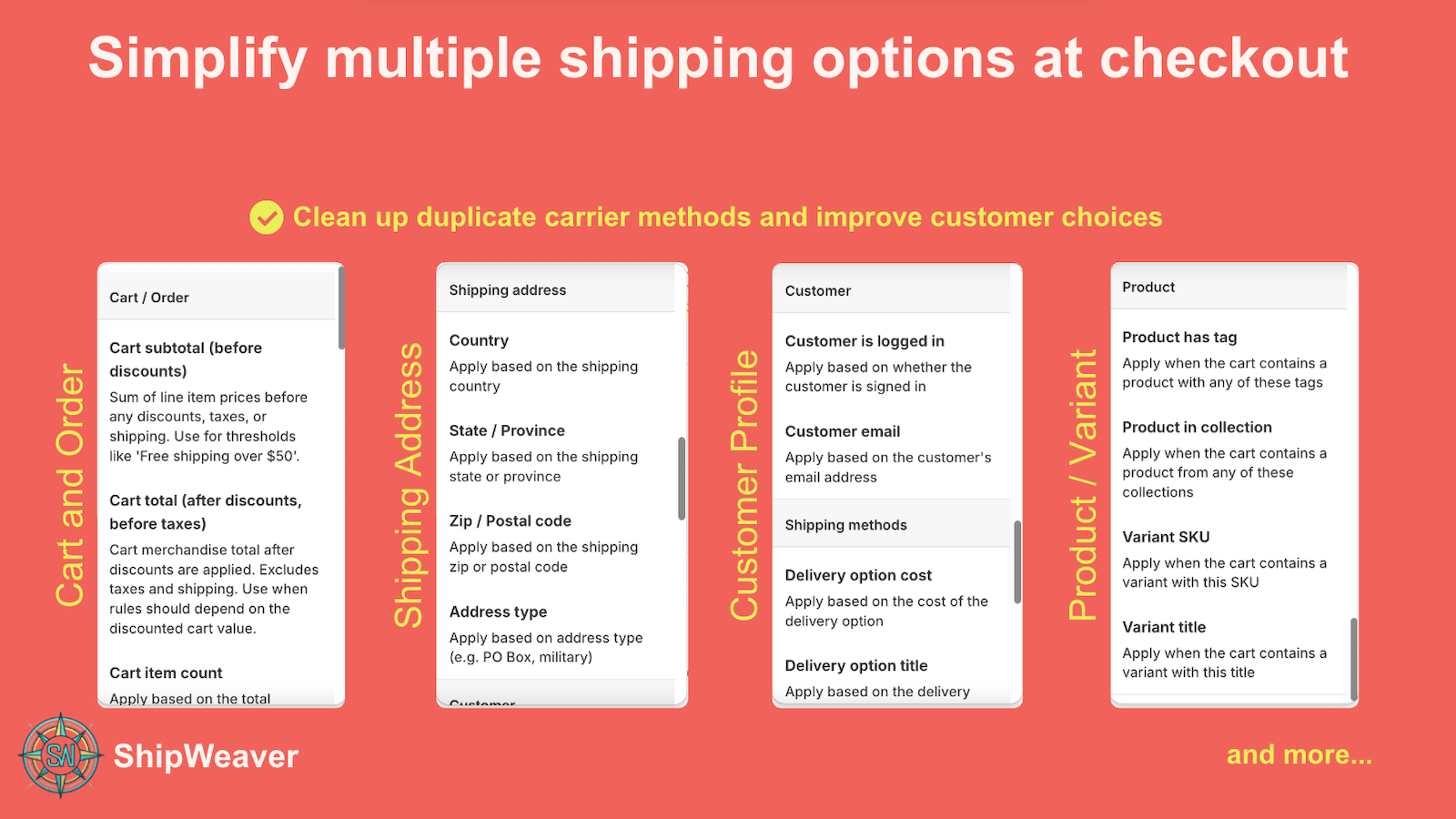
ZIP / postal code and address type are first-class conditions, next to country and state.
What Shopify offers, and what it does not
In Settings > Shipping and delivery you can create a zone, choose the US or Canada, add ZIP or postal code ranges, and set rates for that zone. That works when you want different rates for those codes. It does not work well when you need:- Negative filtering: this rate everywhere except these ZIPs
- Long exclusion lists
- ZIP plus cart total, product tags, or customer attributes
- The same pattern outside the US and Canada
Common examples
Hide a flat rate for Alaska and Hawaii
Condition: Shipping ZIP starts with 995, 996, 997, 998, 999, 967, or 968 Action: Hide the method titled $5 Flat Rate Those customers see carrier-calculated rates. Everyone else still sees the flat rate.Hide free shipping for remote Canadian codes
Condition: Shipping postal code starts with X or Y Action: Hide methods containing Free Yukon, Northwest Territories, and Nunavut do not see free shipping even if the cart is over $50.Restrict Express by ZIP list
Condition: Shipping ZIP is in an exclusion list Action: Hide methods containing Express or OvernightCombine ZIP with a product tag
Condition 1: Cart contains a product taggedheavy
Condition 2: ZIP starts with 995-999 or 967-968
Action: Hide $10 Flat Rate
The flat rate disappears only when both are true.
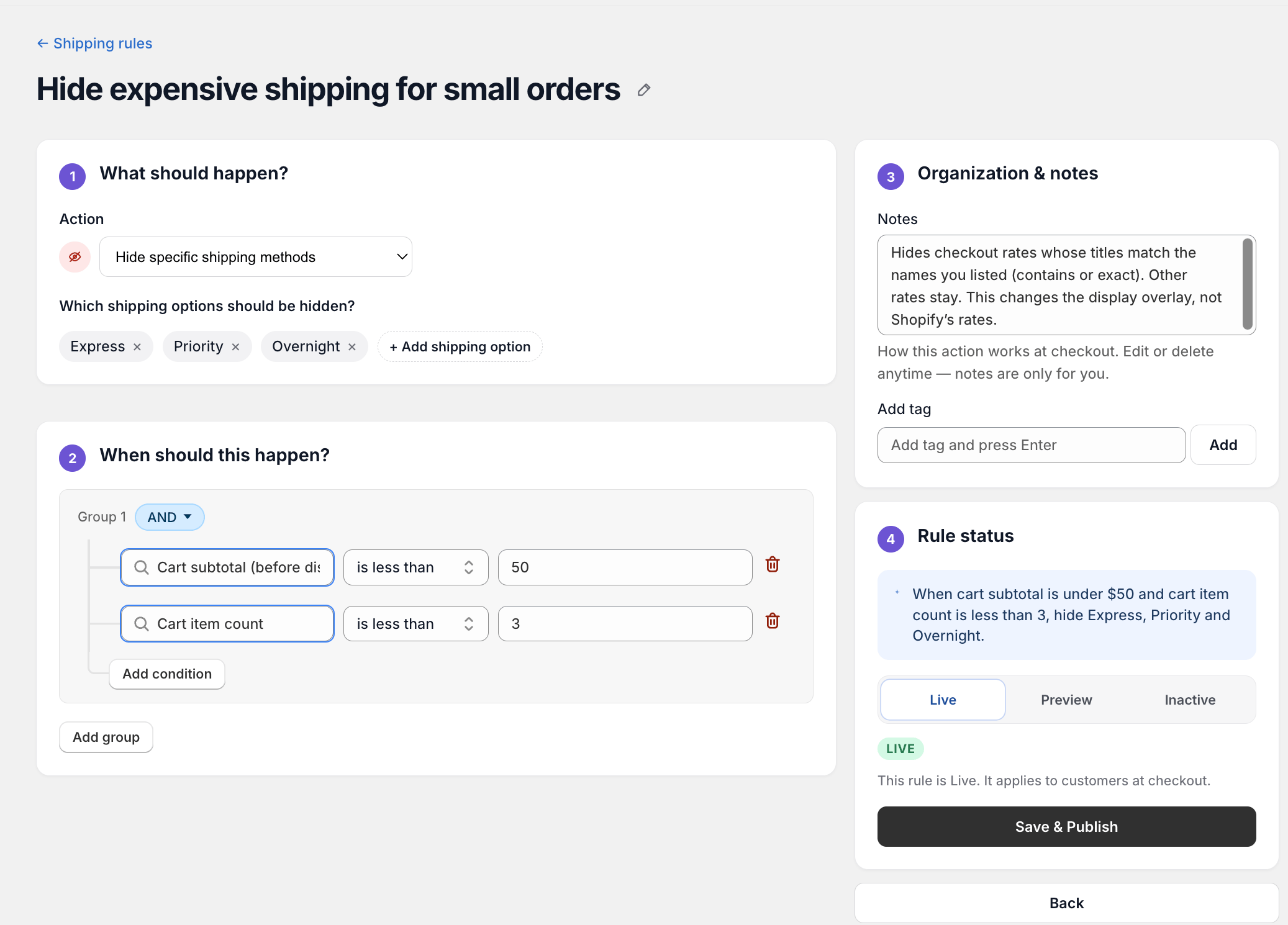
Build the ZIP condition in the rule editor, then Preview with a real address in that ZIP.
ZIP matching patterns
- Starts with -
99covers 99000-99999 - Exact match - only 12345
- List - 12345, 23456, 34567
- Range - 90000 to 90999
995-999) and Hawaii (967-968).
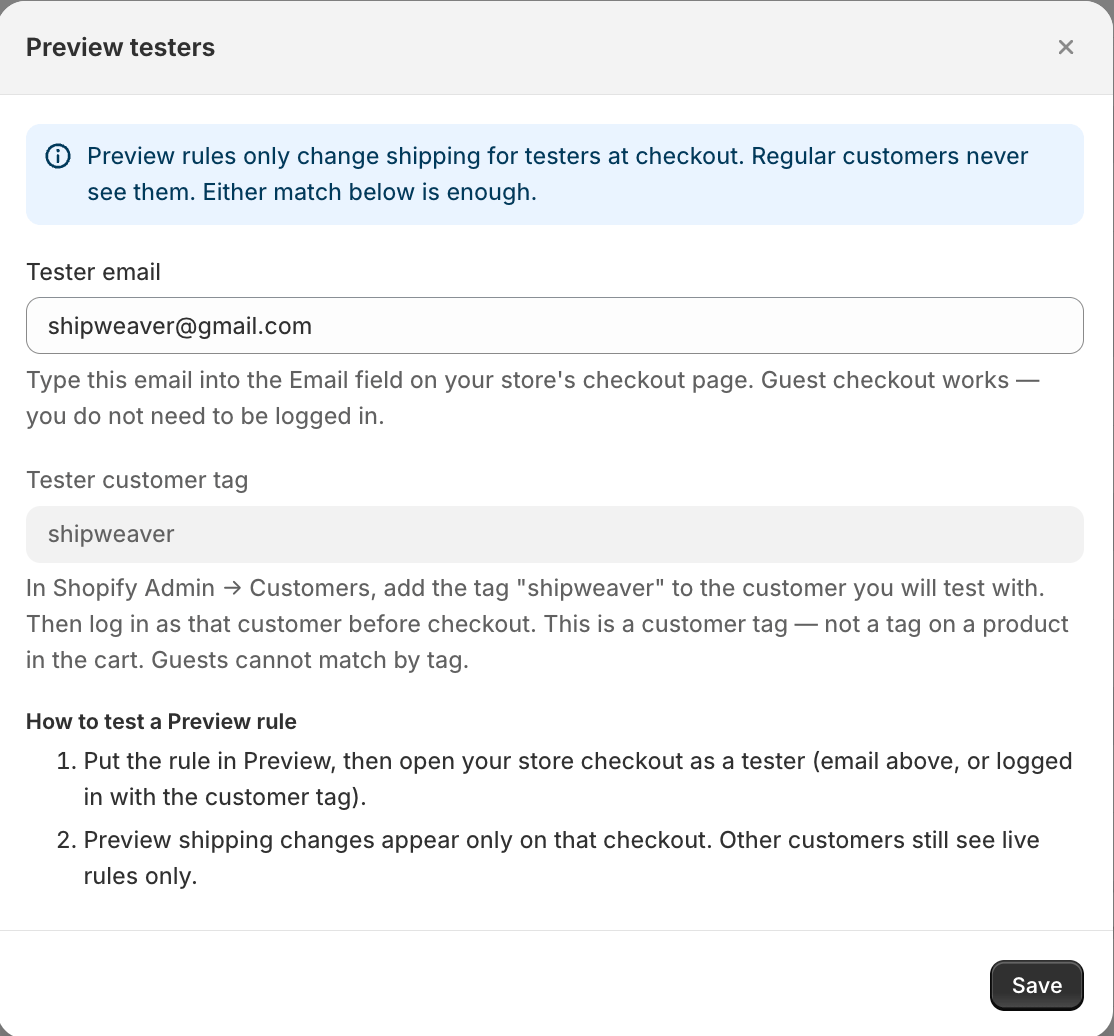
Preview testers see the ZIP rule. Regular customers do not, until you set it Live.