
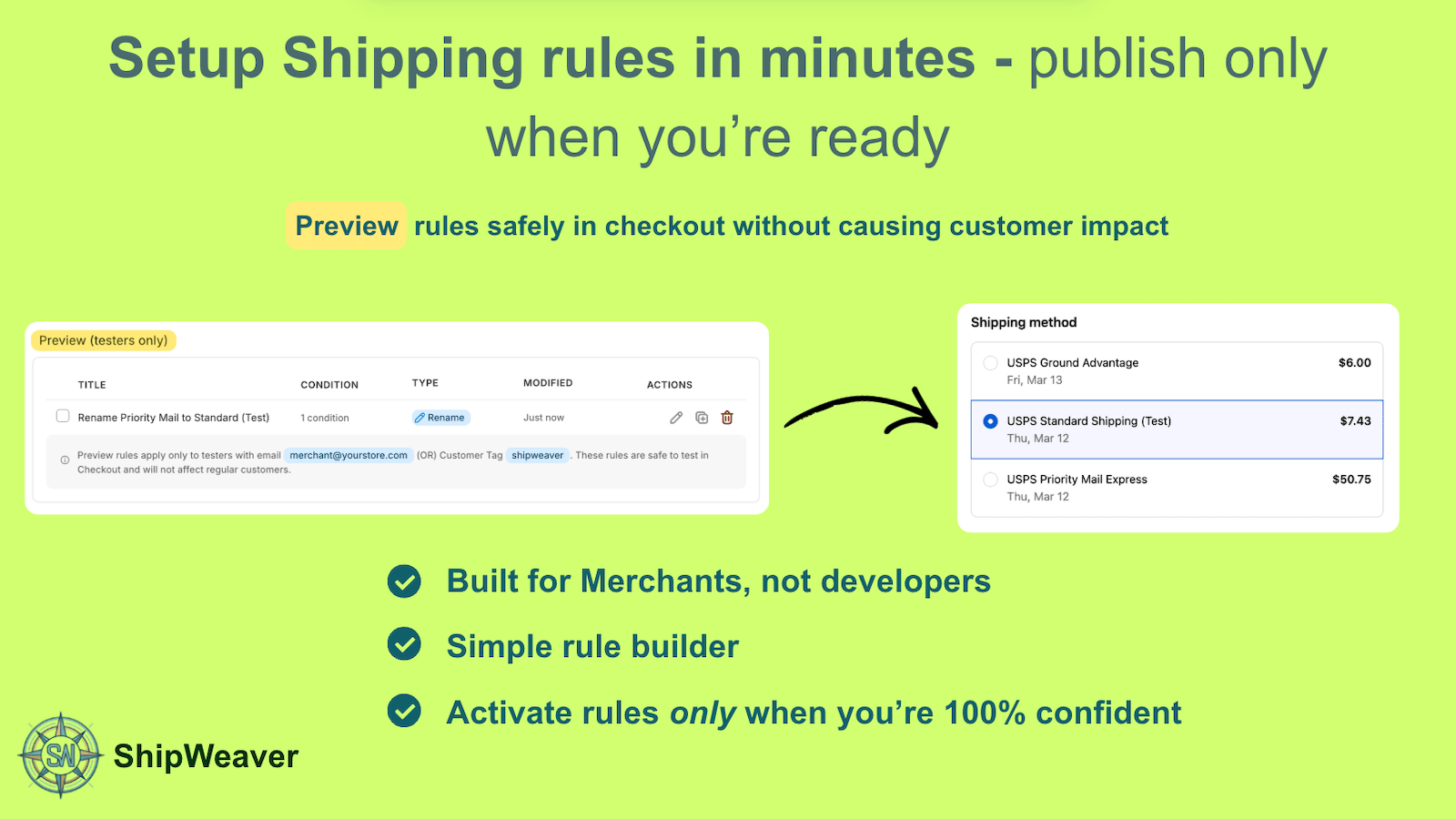
Preview a rename on your tester checkout, then publish when the title is right.
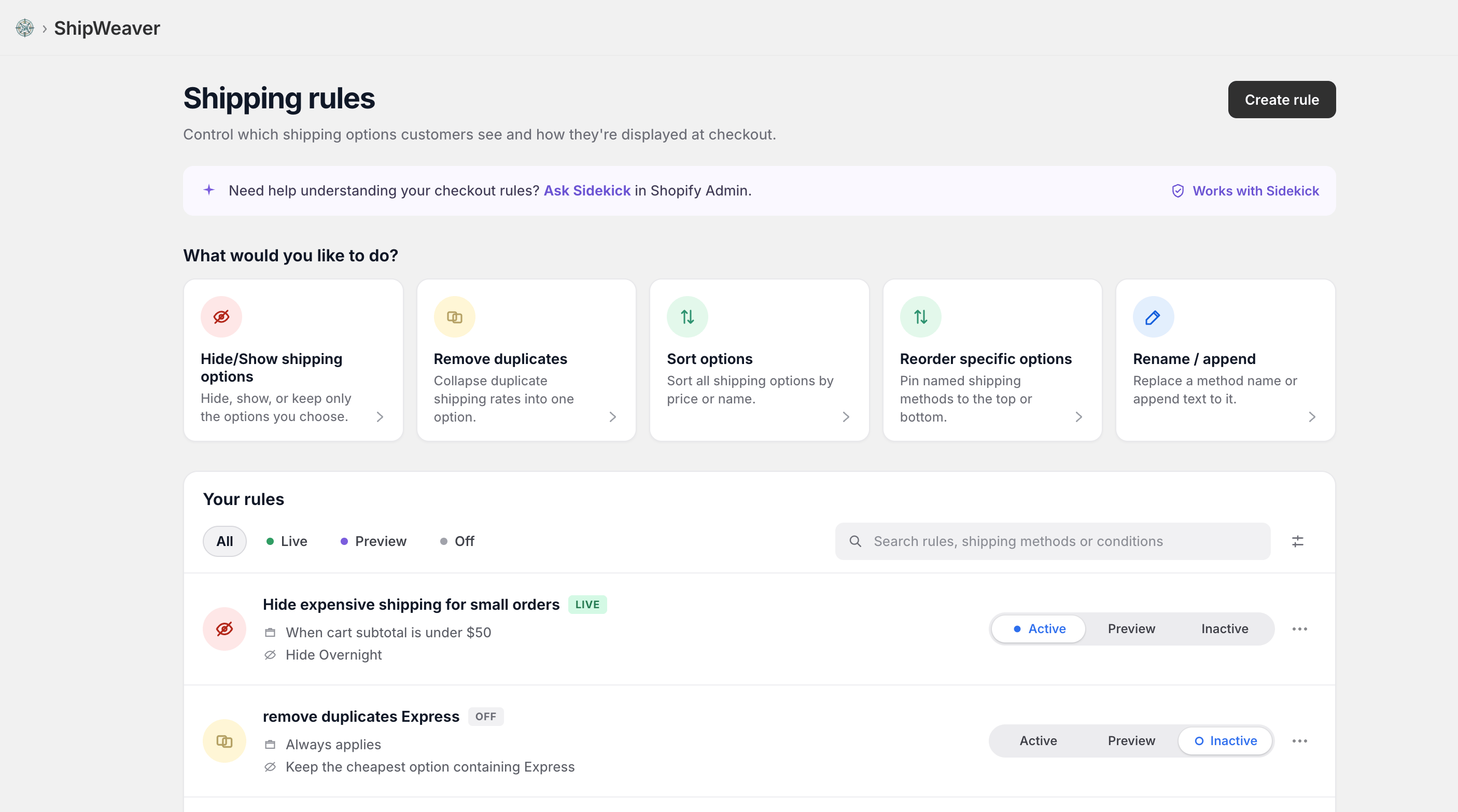
Rename and append are first-class actions in ShipWeaver, next to hide, sort, and reorder.
What Shopify offers, and what it does not
You can set custom names for manual flat rates you create yourself. For carrier-calculated rates and rates from shipping apps, the titles are controlled by the carrier or app. Shopify does not natively let you:- Rename titles such as USPS Priority Mail or FedEx Standard Overnight
- Append delivery estimates to existing titles
- Normalize names across shipping profiles so identical rates merge
- Automatically format titles for consistency
Common use cases
Make titles easier to read
Before: Standard Shipping After: Free 3-5 Day DeliveryAdd estimated delivery days
Before: Express Shipping - $15.00 After: Express (1-2 business days) - $15.00Keep names consistent across profiles
If two profiles both return Standard, customers may see two options. Rename both to the exact same title to merge them, or give them distinct names if they should stay separate.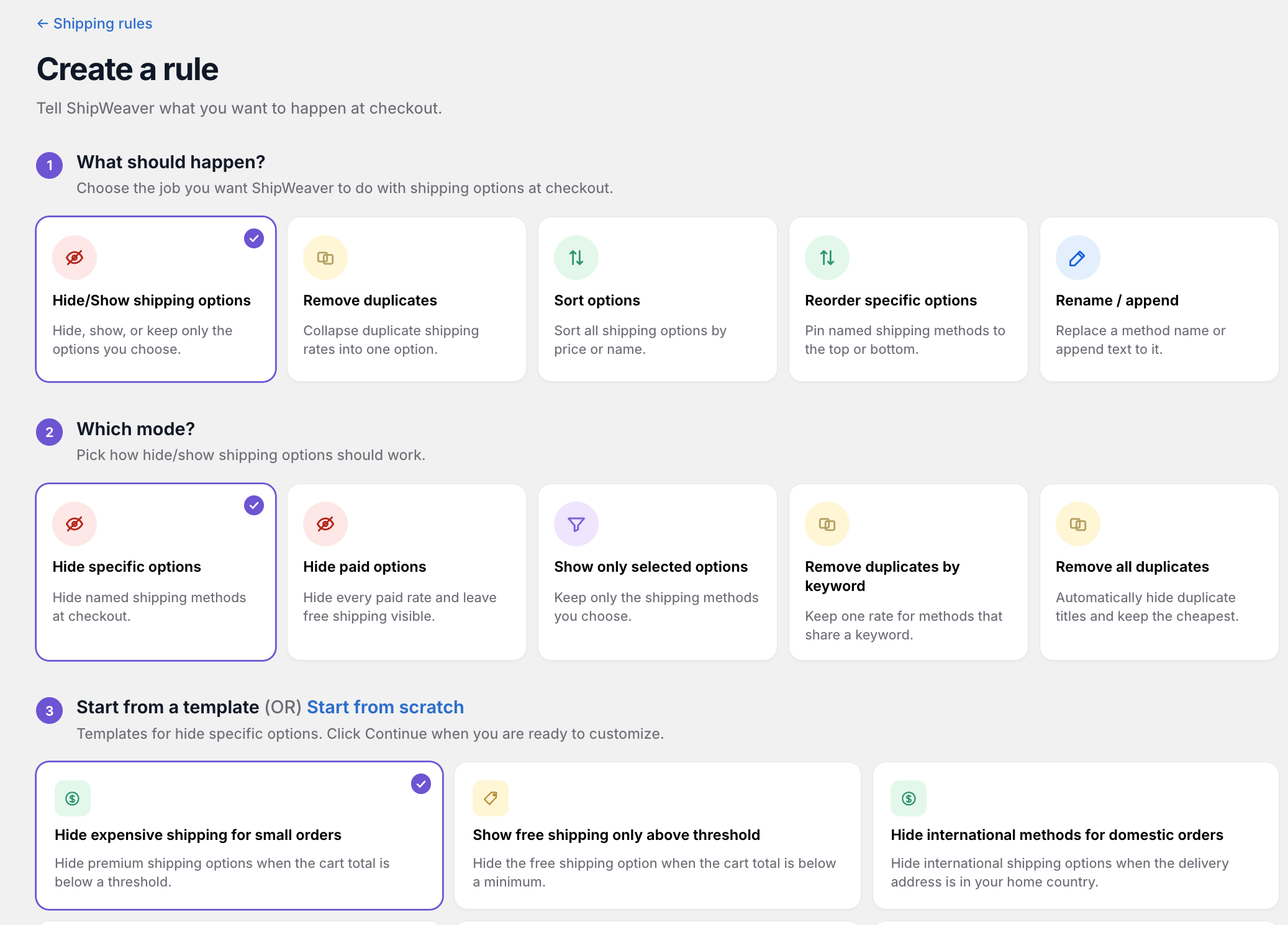
Create a rename rule from the wizard, then target methods by keyword or exact title.
How renaming works
Delivery customization apps typically offer two actions:- Replace - change the entire title
- Append - add text to the end of the existing title
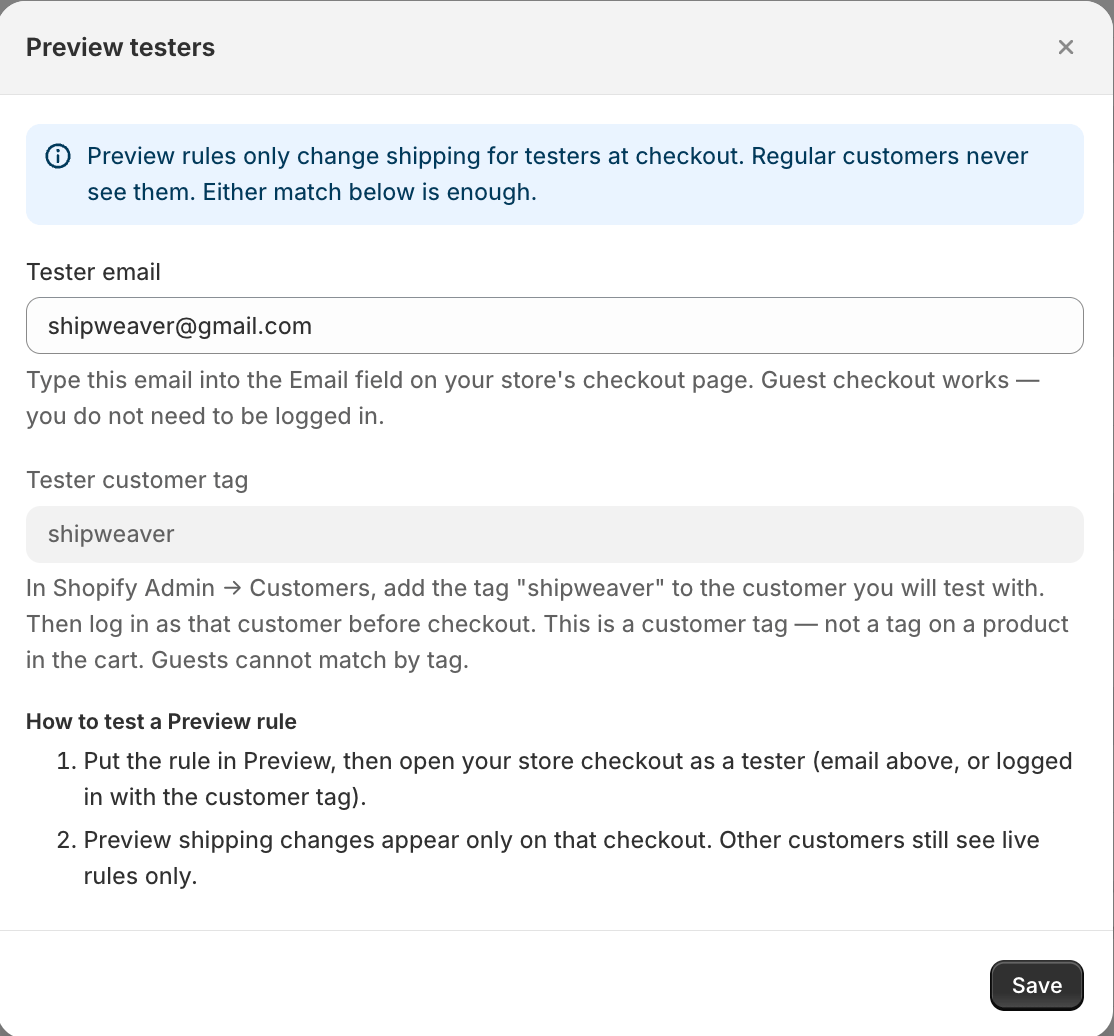
Use Preview testers so only your checkout email sees the new titles.
Examples
Rename Standard to branded text
Condition: Shipping method title equals Standard Action: Rename to Free 3-5 Day DeliveryAppend delivery estimates
Condition: Method title contains Express Action: Append (1-2 business days)
Normalize names so rates merge
Condition: Method title contains Standard Action: Rename all to Standard Delivery Both rates now share a title. Shopify can merge them into one line with a combined price.Best practices
- Rename one method at a time
- Use Preview
- Target exact names or clear keywords
- Keep titles short, especially on mobile
- Document why each rename exists